Breaking up with Jupyter Notebooks
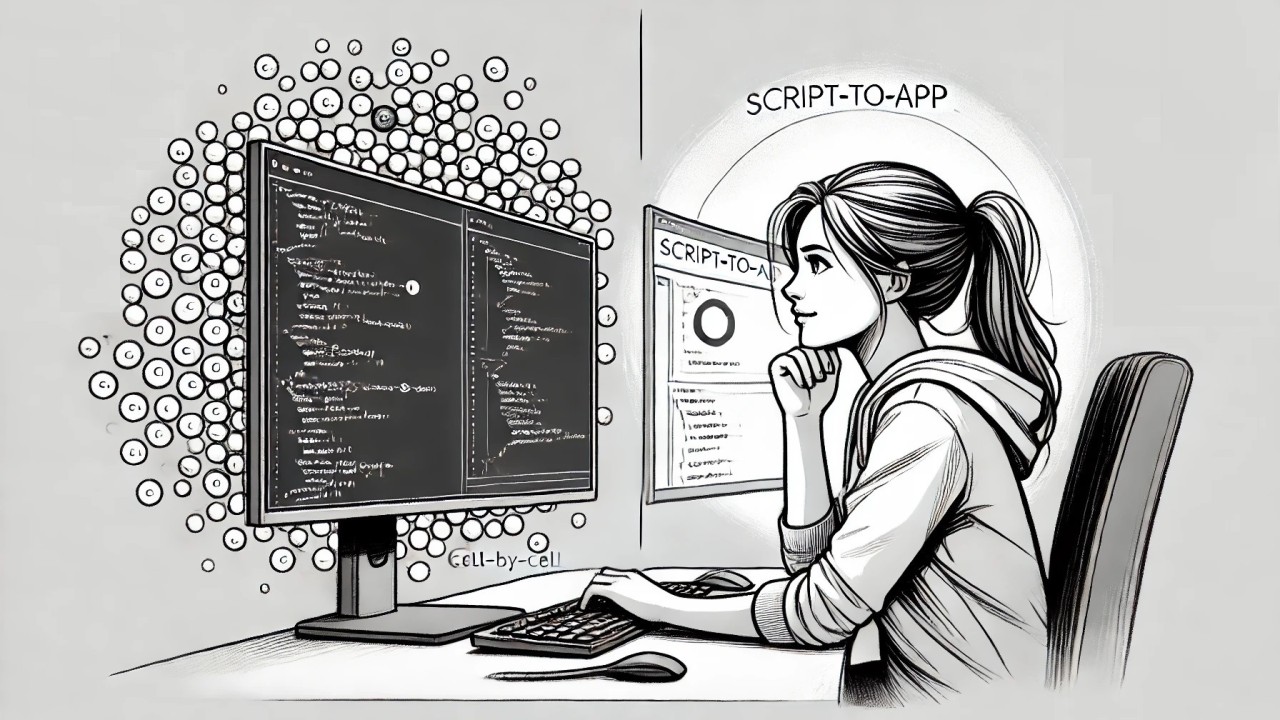
So, Jupyter Notebooks. We had some good times, didn't we?
Writing code and seeing the results instantly felt great. But over time, the quirks I once found charming became... less so. Navigating between cells to find code? Frustrating. Forget to run a cell, and dependencies laugh in your face. And the workflow... Each function, each step in an experiment, means executing cells manually, at a time. It felt like trying to bake a cake but having to preheat the oven separately for every ingredient.
Functions, logic, and outputs all mix together in one place, making complex workflows hard to manage. Admittedly, it could be that I am just not good enough at using them.
Then once I told my coding AI assistant: "Could you develop a tool to present my results in a more interactive way?" And in her usual friendly manner, she replied: "Certainly...".
That's how I discovered AI-assisted app development.
What changed
Now, I outline what I need, and AI helps me create a functional app using just natural language. In minutes, I have an interface to run and check my workflows. It's like having a sous-chef who preps all the ingredients while I sit back and sip coffee. (I really do!)
Example: Document Processing Pipeline
Here's an illustrative example using Hugging Face's dataset: mychen76/invoices-and-receipts_ocr_v1
The UI allows me to:
- Configure my processing pipeline
- Select one or several documents to be processed
- View results displayed in a table
Everything I need is in one place: data sources, pipeline logic, and output displays. Refreshing code is just one click away. Searching through test results, sorting, filtering, and visualizing all happen in the same view.
Why I stayed with it
My data is presented dynamically. No more raw JSON dumps. Now I have visuals I can read at a glance. It's interactive and, dare I say, fun.
I've always been a backend developer, never really cared about frontend. Making this shift has been like "oh, I can do that? Am I in the developer's paradise?"
Time savings
Time savings with every phase: setup, development, and testing. I spend less time and attention fiddling with the environment and have more resources for the analysis. No more disconnected cells or scattered logic.
Beyond notebooks
The app is then my go-to environment for presenting and evaluating results. Built-in graphical representations and tables allow for comfortable comparison between different experiment outcomes, and all the tedious evaluation work feels less like "Let's slog through this" and more like "Let's see what we find here".
What it changed for my clients
For me, as a developer, this script-to-app workflow changed how I run data projects. It changed things for my clients too: they explore their data directly now, and make decisions from what they find.
Originally published on LinkedIn